Focus on the repeated task
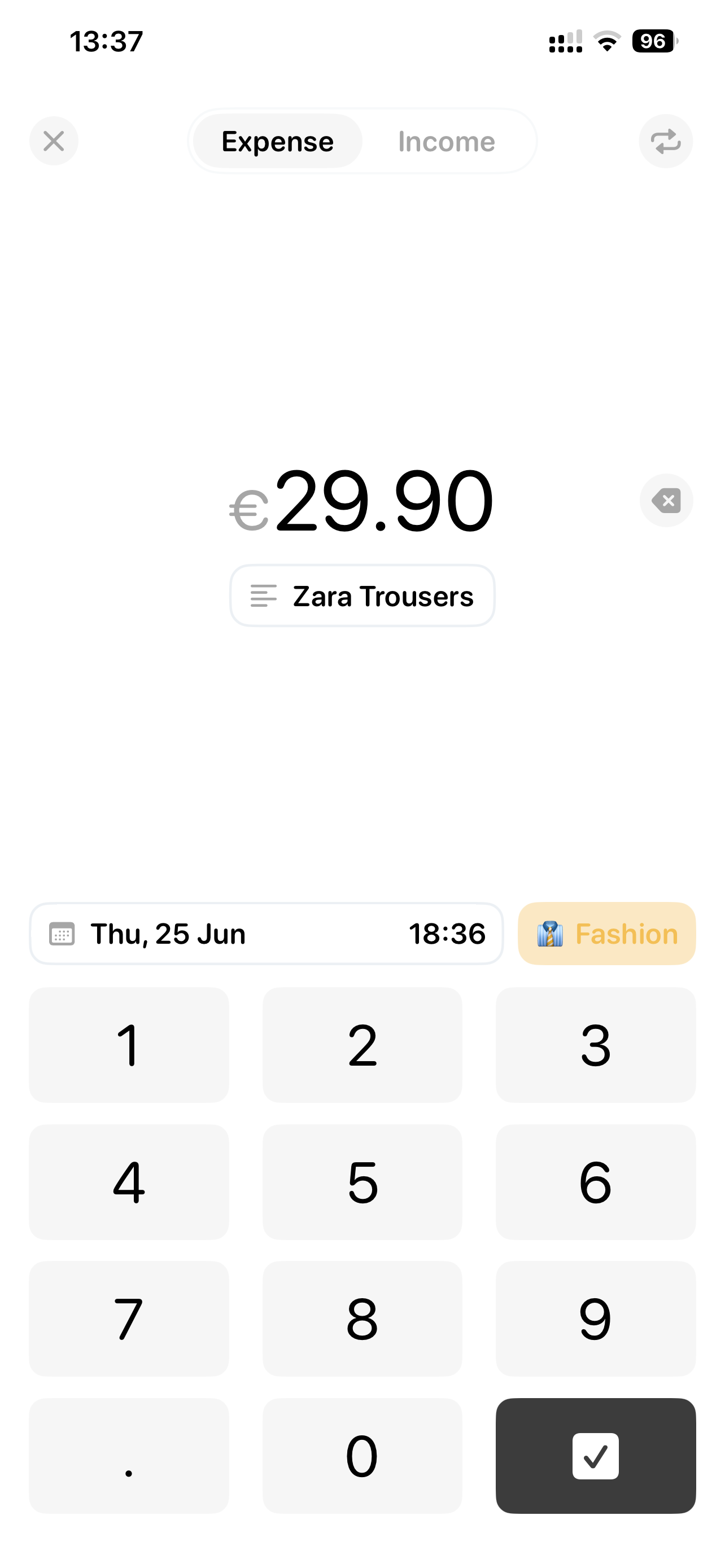
The expense-entry screen gives the amount visual priority and keeps the keypad, date, and category in the same view. The layout focuses attention on the task of recording a transaction.

MOBILE / INTERACTION DESIGN
Dime / Budget & Expense Tracker
A minimal iPhone finance experience connecting quick expense entry with clear spending insights and category budgets.
01 / THE CHALLENGE
Recording expenses is a repeated task. My case study focuses on reducing the effort of that task and helping people understand their spending through a clear, approachable interface.
THE APP / INTERFACE DETAILS
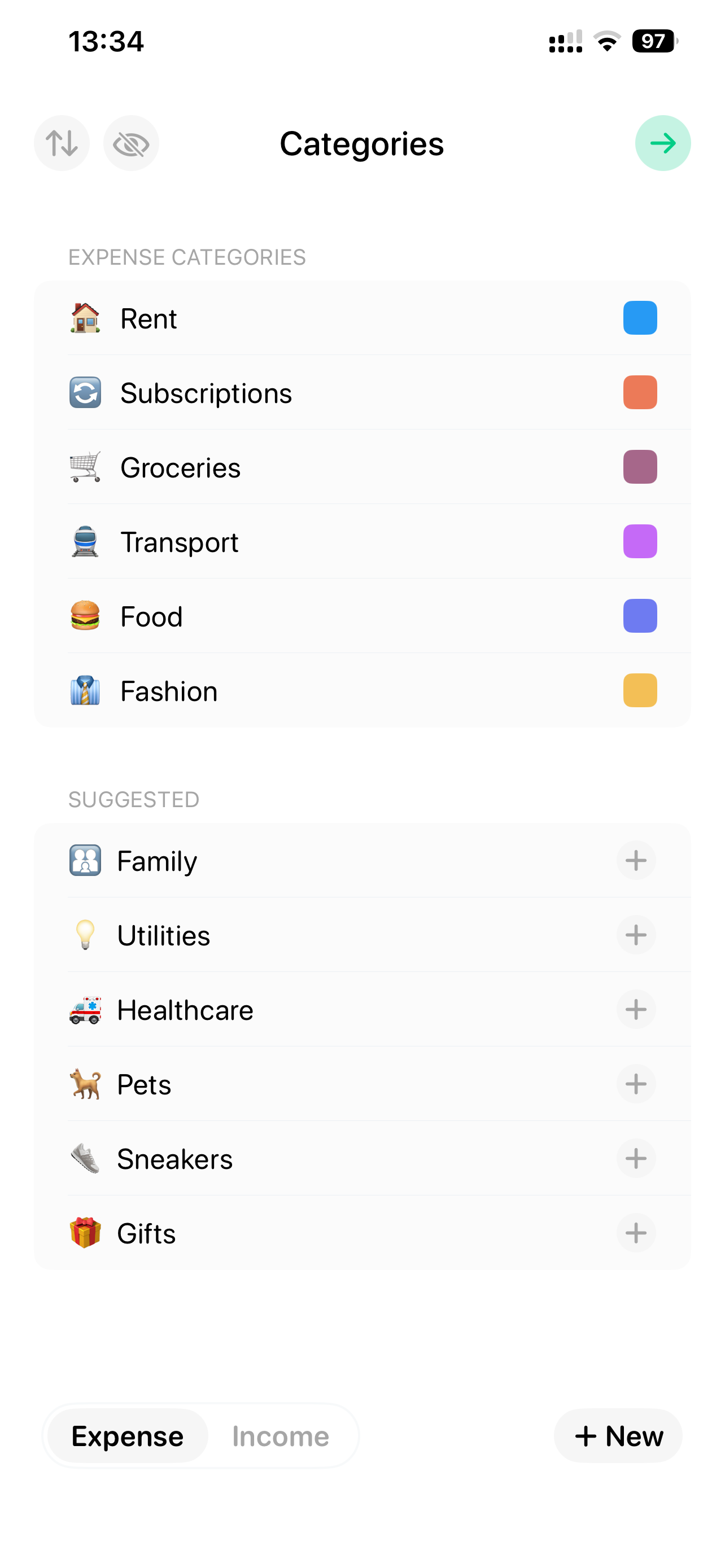
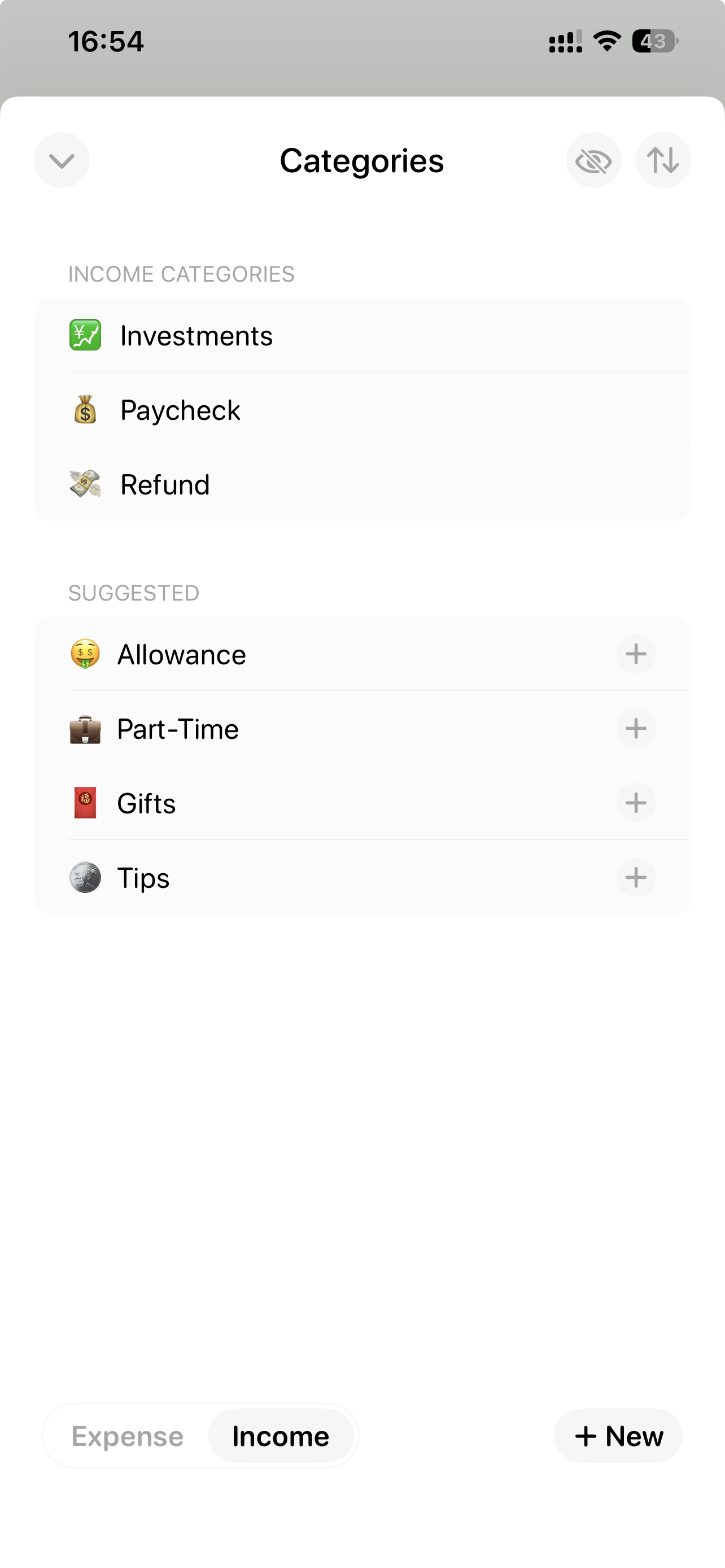
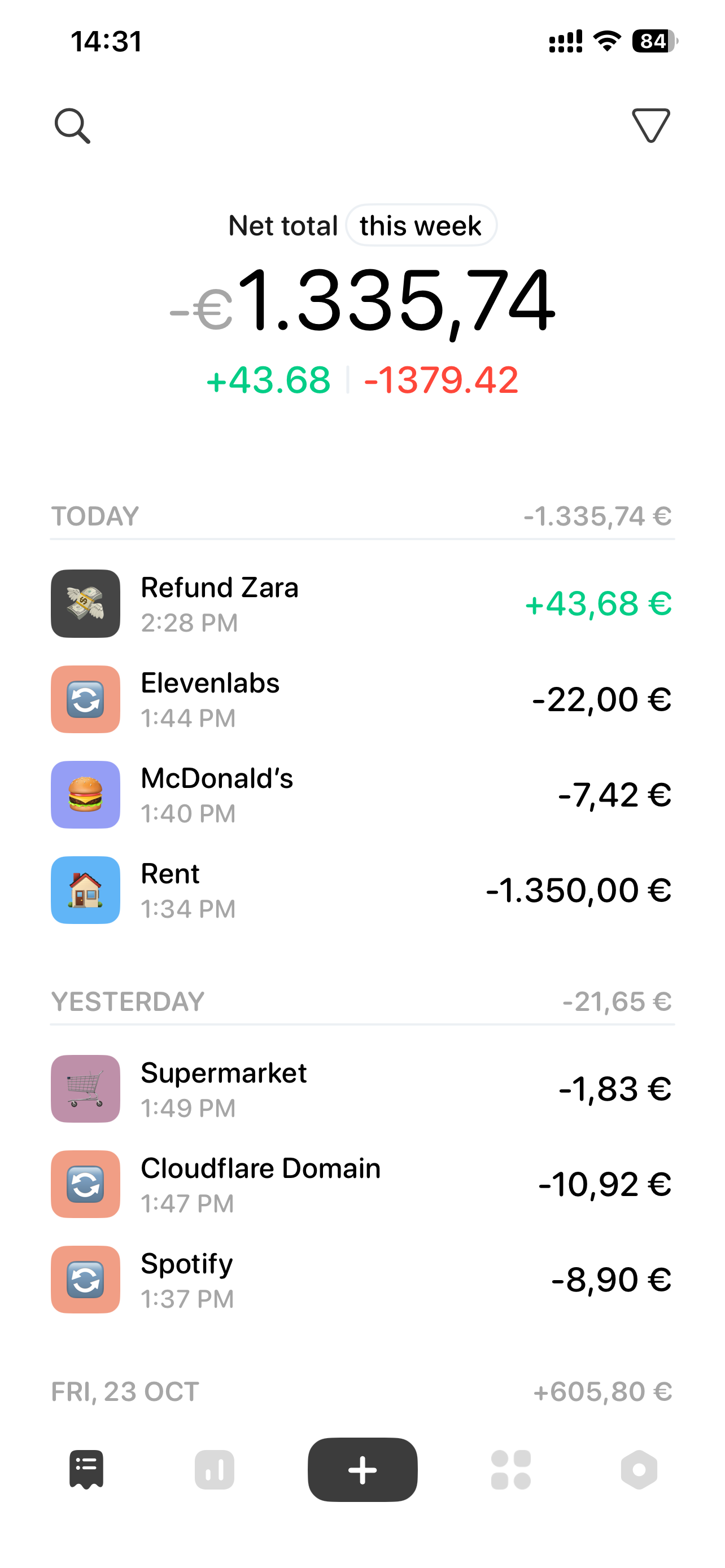
A closer look at the interface, from managing categories to reviewing everyday spending. Select a screen to open its clickable walkthrough.
Swipe to explore the screens →
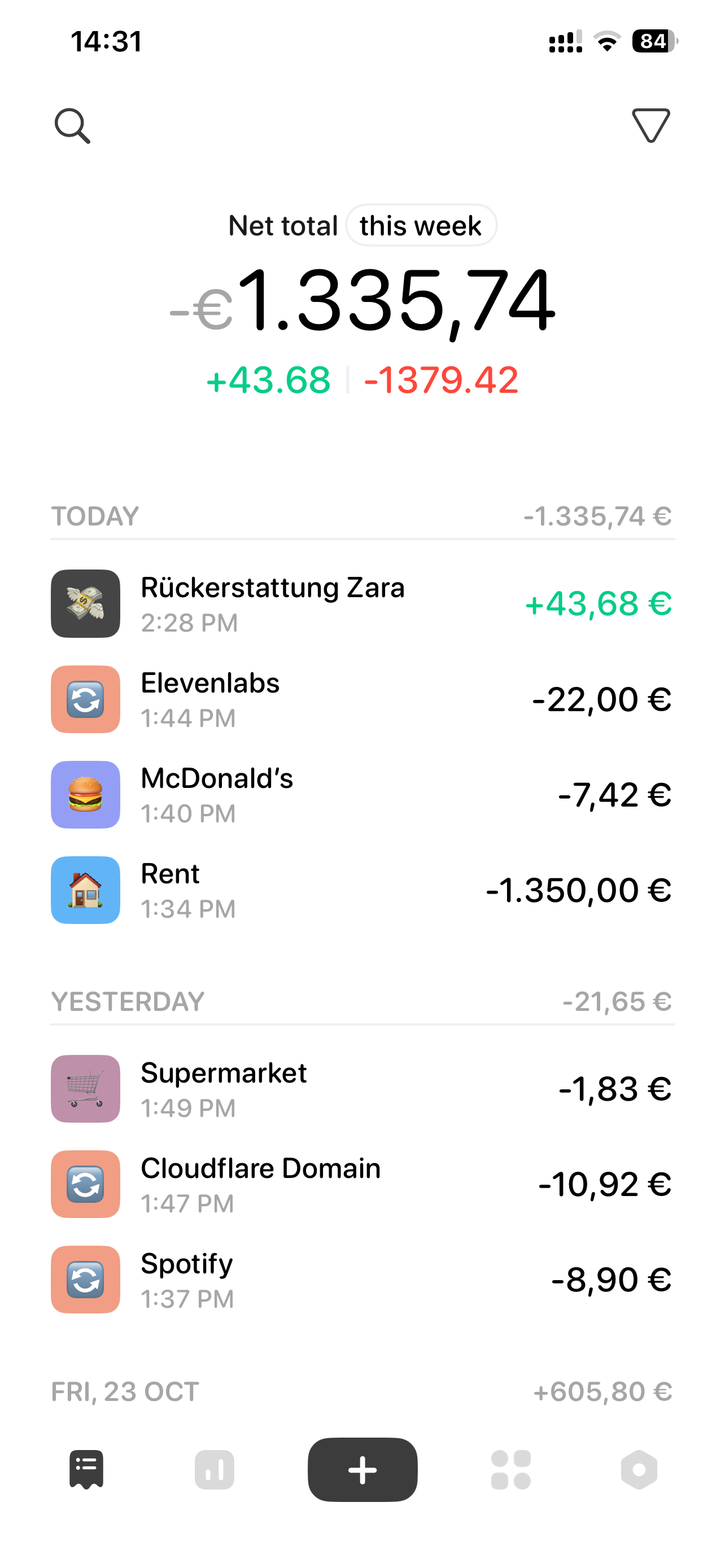
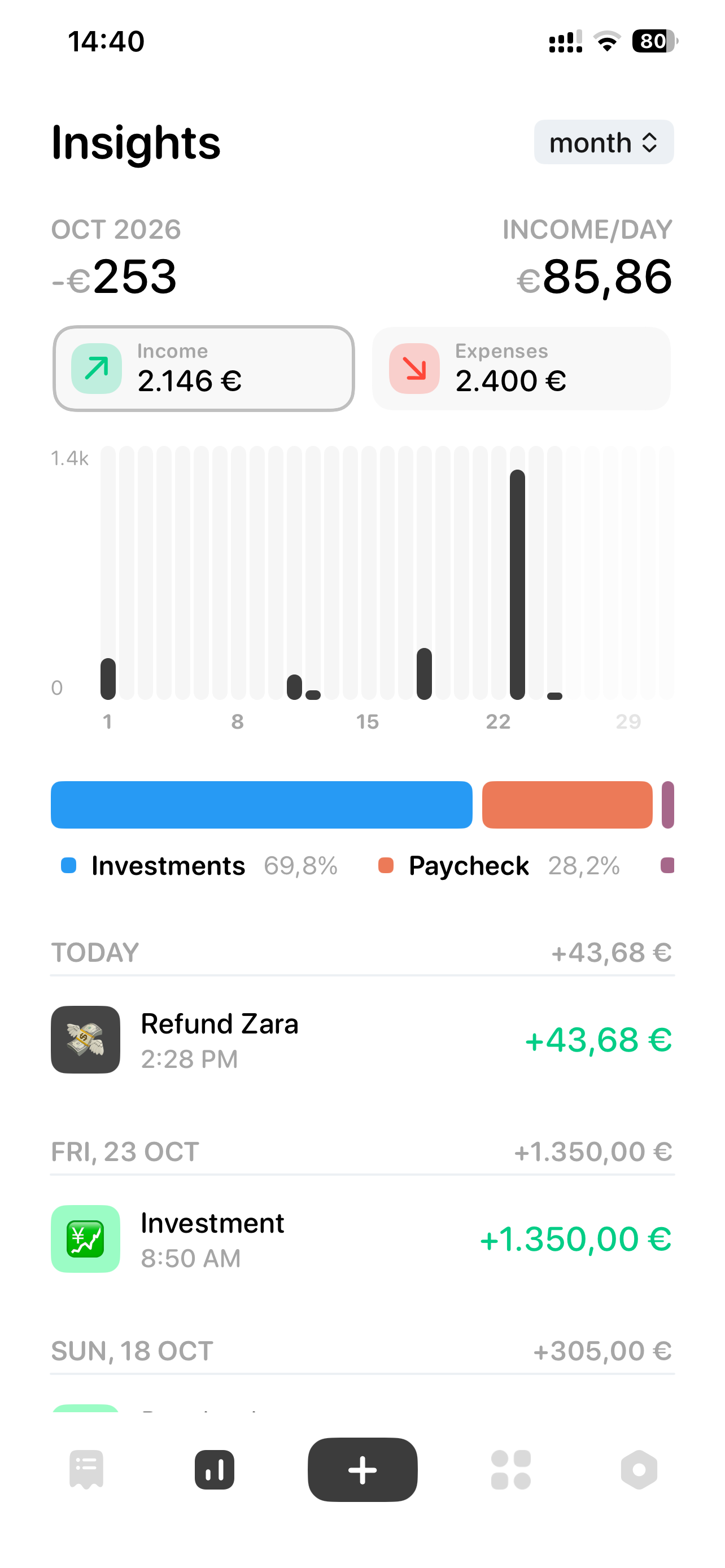
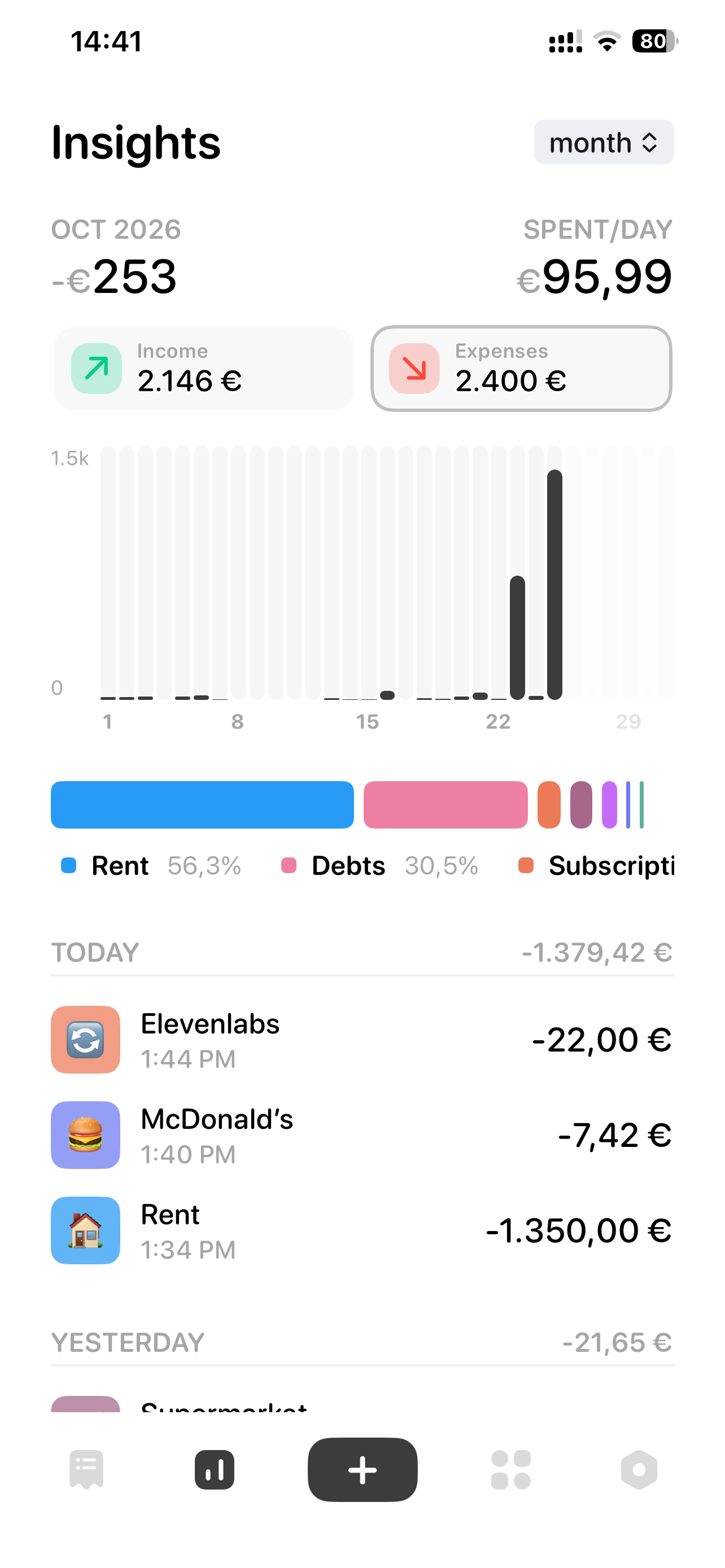
Screenshots supplied by Meryem Dogan. View Dime on the App Store (opens in a new tab).
A screenshot-based navigation prototype. Highlighted areas connect the supplied screens; amounts and text remain part of the images.
02 / MY APPROACH
My design work on Dime centers on a simple finance experience: entering an expense, assigning a category, and reviewing spending. The published interface uses a numeric keypad for amount entry and clear visual summaries for financial insights.
Core tasks shown in the app
03 / DESIGN DIRECTION
The expense-entry screen gives the amount visual priority and keeps the keypad, date, and category in the same view. The layout focuses attention on the task of recording a transaction.
The insights screen combines totals, bar charts, and color-coded categories. These elements give the spending overview a clear visual hierarchy.
My original portfolio presentation documents my case study. The published app is also available on the App Store, where you can explore the current product description and screenshots.
Read the original portfolio (opens in a new tab)View Dime on the App Store ↗ (opens in a new tab)NEXT CASE STUDY
BilancePersonal Finance App